The contract is signed. Why hasn’t the first invoice gone out?
The sale is complete, but the first invoice is still waiting. Here is how to find the missing handoff and make the next action clear.
By the Duebird team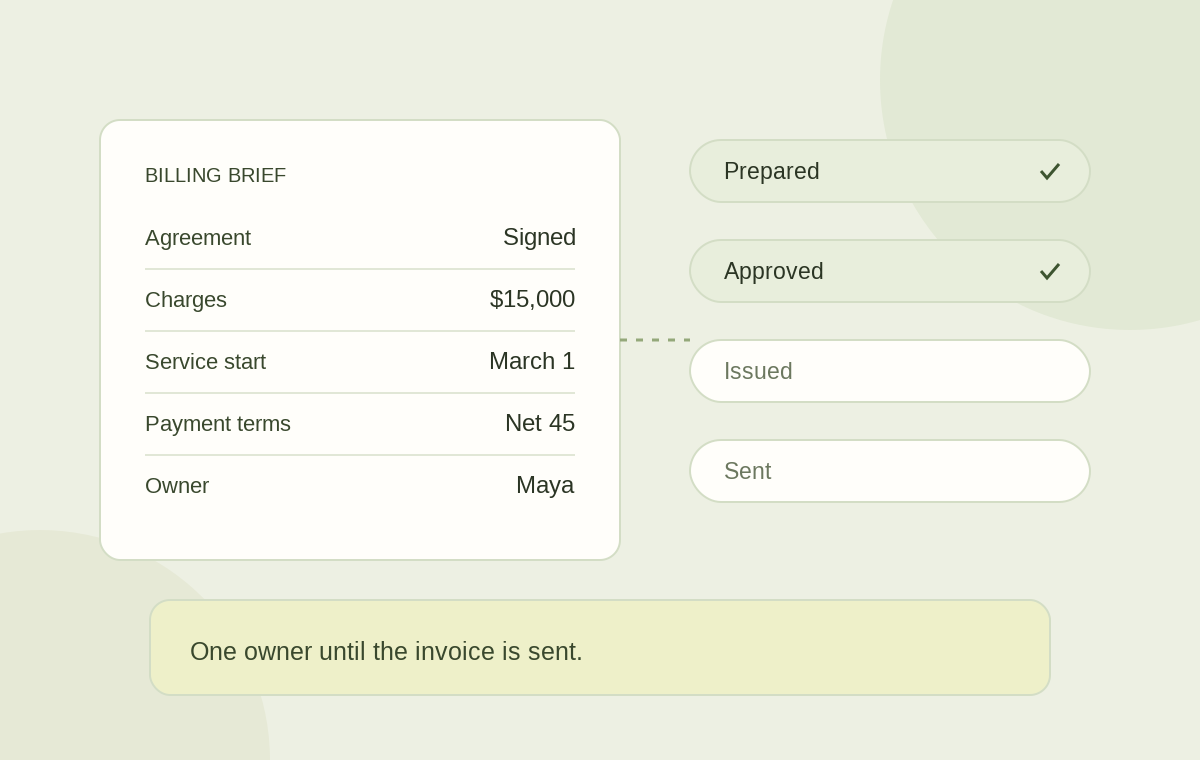
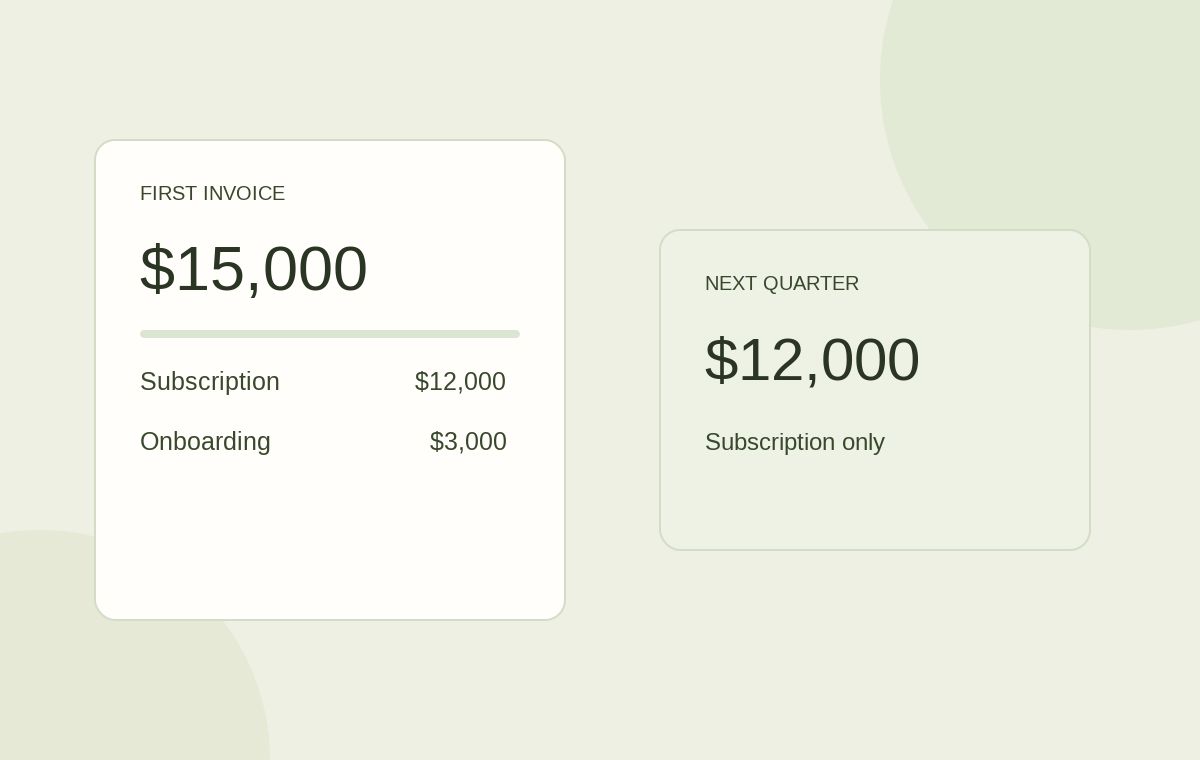
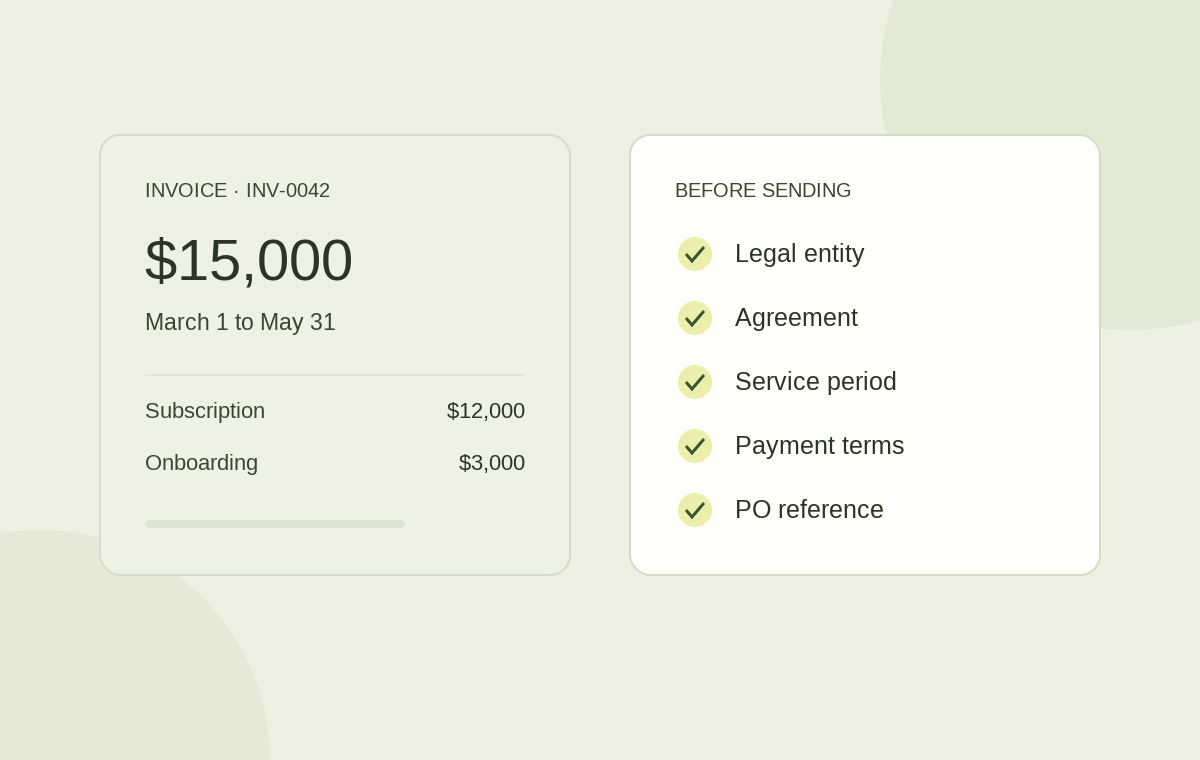
A signed contract needs a billing owner, a first-invoice date, agreed charges, and the customer’s required references. Confirm those details in one handoff before preparing the invoice.
A signed contract is not an issued invoice. Give one person ownership of the first bill, keep the agreed charges and timing with the record, and tell a prepared schedule apart from an invoice that was approved, issued, and sent. The handoff can be short. It must make the next action clear.
Start by locating the deal in the workflow. Is the billing plan missing? Is finance waiting for a customer reference? Is the invoice approved but still unsent? A queue that says only “closed won” cannot answer those questions.
Name the first invoice owner
In a small team, the person who sold the deal may also send the first invoice. In a larger one, sales hands over and finance bills. Either way, one person is accountable for the next action until the invoice is sent.
The signature date, service start date, and invoice date may be different. A customer can sign in February for a service that begins March 1. Record the event that starts billing, and give every exception a reason and a next action. “Awaiting customer PO, Maya to request it” can move forward. “Pending” cannot.
When the deal began as a quote, connect the accepted quote with the next step so the owner starts from what the customer accepted.
Give finance a billing brief, not another document hunt
Finance needs the accepted version and the terms that affect the first invoice. Put them in one brief before the deal leaves the commercial stage.
| Field | What to record |
|---|---|
| Customer | The legal entity billed, and the entity issuing the invoice |
| Agreement | The signed version and any amendments |
| Service start | The date the subscription begins |
| Charges | Recurring amount, one-time fees, and currency |
| Tax | The treatment to review before the first invoice |
| Cadence | How often the subscription bills |
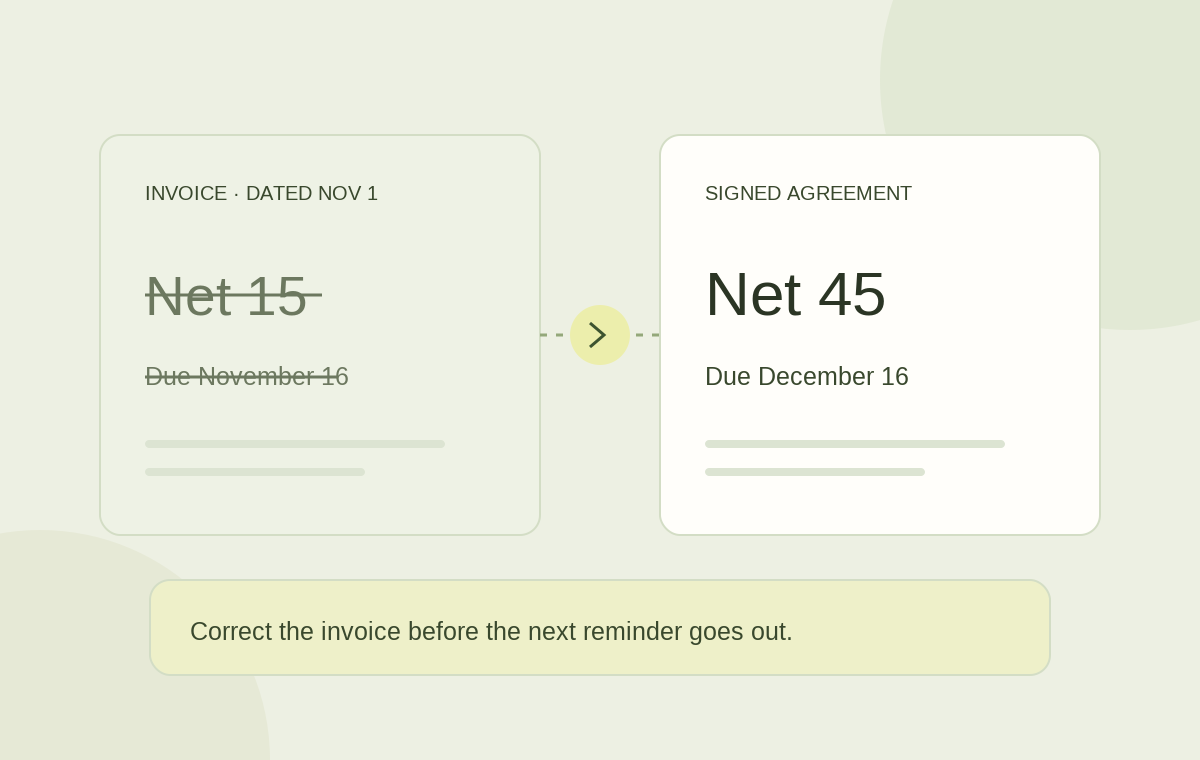
| Payment terms | The net days and the event that starts the clock |
| References | Any PO number or reference the customer requires |
| Recipient | Who receives the invoice |
| Owner and date | The person responsible and the first invoice date |
Use the practical steps to set up billing from the signed contract, then check the schedule before the first invoice.
Separate prepared, approved, issued, and sent
Use a separate status for each transition. A ready schedule does not prove the invoice was delivered. An approved invoice can still wait for its date, and a sent invoice can still need a corrected contact.
| State | Evidence to check | Next owner |
|---|---|---|
| Prepared | Charges and dates match the agreement. | Finance |
| Approved | The required review is complete. | Authorized reviewer |
| Issued | The invoice has its number and date. | Billing owner |
| Sent | Delivery is complete, or a delivery issue is visible. | Billing owner |
Before the first invoice, review the billing schedule against the brief.
Carry amendments and renewals into the same record
A change after signature needs the same handoff. Add a row to the brief for the amendment’s effective date and the version it replaces, so the next invoice follows the current terms.
Then hold a ten-minute first-invoice review. Walk the completed brief against the prepared invoice: customer, charges, dates, references, and recipient. When the same field is missing across several accounts, fix the handoff that drops it.
Keep the handoff in the customer account
Duebird connects proposal creation, e-signature, billing schedules, invoice review, and the customer conversation. Sales and finance can work from the same accepted terms instead of rebuilding the deal in separate tools.
Bring one recently signed agreement to a walkthrough. Follow it from acceptance to the first invoice and identify where information or ownership disappears. That gives you a concrete process to improve.
Track billing prepared, invoice approved, issued, and sent as separate states. Each needs an owner.
Sources and further reading
Official references for the concepts and software examples discussed in this article.